


Kahoot is one of the most popular platforms for interactive learning. With fast-paced quizzes, and leaderboards, it turned lessons into exciting competitions. Students loved it, teachers relied on it, and it quickly became the go-to tool for classroom engagement.
But as digital learning evolved, educators began asking for more: richer question types, calmer study modes, AI authoring, curriculum-aligned content, deeper assessments, better feedback, differentiated practice, and accessible design. And that’s where Kahoot begins to feel limited.
If you're looking for tools that offer more flexibility, more pedagogical depth, or different styles of engagement, this guide is for you. Here are the top 10 Kahoot alternatives worth exploring with pros, cons, pricing, and why each platform is a smart replacement for Kahoot.
Explore Kahoot at a Glance
Kahoot is a game-based quiz platform built around speed and competition. Teachers create quizzes, students join with a code, and points are awarded based on correctness and response time.
Students love Kahoot because:
It feels like a game rather than a test.
The music, countdowns, and leaderboards create excitement.
Sessions move quickly and feel competitive.
Teachers love Kahoot because:
It’s easy to set up.
It boosts instant engagement.
It works for any subject or grade.
However, Kahoot is intentionally built for quick, lively engagement, not for deep learning or assessment.
Why Look for Kahoot Alternatives?
Kahoot is highly engaging, but it has notable limitations that may impact instructional quality. Here are key reasons teachers explore alternatives:
Limited academic question formats for K-12 skill practice (especially for ELA and language instruction).
Speed-based scoring can reduce learning quality.
AI creation is fast, but not curriculum-aligned.
Reporting is useful for snapshots, but limited for instructional decisions.
Costs increase quickly as features and player limits expand.
Not Suitable for a full teaching workflow: Create > Present > Assign > Assess.
List of the Top 10 Kahoot Alternatives
Here are the top 10 Kahoot alternatives:
1. Tarphi
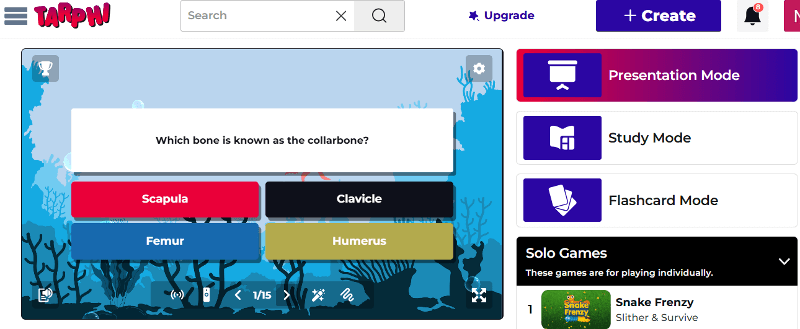
Tarphi is a K-12 learning platform built for teachers who want both engagement and instructional depth. While Kahoot focuses mainly on fast live quizzes, Tarphi supports the full teaching workflow seamlessly: Create > Present > Assign > Assess.
Teachers can create curriculum-aligned quizzes, lesson slides, and opinion polls manually or using Tarphi AI, import content from Google Slides, PowerPoint, or PDFs. Once the content is ready, they can repurpose it in 5 different ways: Presentation Mode, Study Mode, Flashcards Mode, Solo Games, and Competitive Games.
Pros of Tarphi
Supports real classroom teaching, not just quiz games.
Saves time by helping teachers create curriculum-aligned AI content faster.
Keeps students engaged without relying only on speed or competition.
Encourages quieter or struggling students to participate without pressure.
Makes it easier to see learning gaps and adjust instruction.
Replaces multiple disconnected tools by combining lessons, quizzes, homework, and reports in one platform.
Real-time analytics that highlight student strengths, gaps, and misconceptions.
Offers strong value at a predictable, teacher-friendly price.
Pricing of Tarphi
Tarphi offers three flexible pricing plans: Basic, Standard, and Pro. The Basic plan is free. For individuals, Standard costs $7/month or $60/year ($5/month billed annually), and Pro costs $10/month or $96/year ($8/month billed annually). School plans are available at $55/year (Standard) and $90/year (Pro) per seat.
Why Tarphi is a Better Alternative to Kahoot
Tarphi is a stronger Kahoot alternative for classrooms that want more than fast quiz games. Kahoot is great for quick engagement, but Tarphi is built for everyday teaching. It supports the full classroom workflow and offers richer K-12 question types, curriculum-aligned AI, multiple presentation and practice modes, flexible homework controls, and clearer learning insights, making it better suited for real instruction, not just competition.
2. Blooket
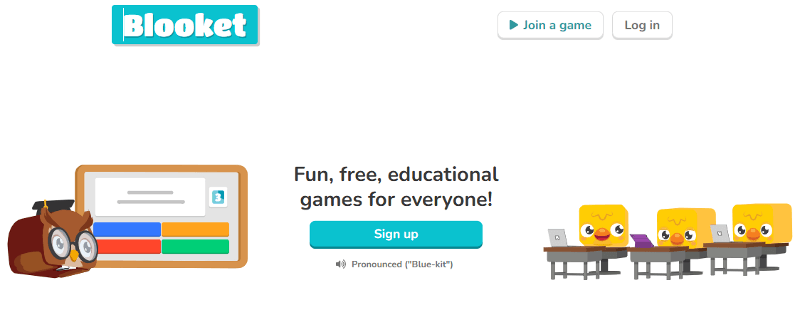
Blooket is a game-first quiz platform that wraps questions inside fun, themed mini-games. Instead of just answering questions for points, students earn coins and collect character avatars called Blooks. Game modes like Gold Quest, Tower Defense, Café, and Crypto Hack make sessions feel like a playground.
Pros of Blooket
Extremely engaging for elementary and middle school students.
Very fun, kid-friendly game modes with coins, power-ups, and avatars.
Very quick to launch live games with minimal setup.
Great for short review sessions and high-energy classroom moments.
Cons of Blooket
Lacks important question types needed for deeper learning.
Game mechanics can distract from careful thinking and learning.
Limited teacher control during gameplay.
Reporting is simple and not built for deep instructional planning.
Not suitable for lesson delivery, differentiation, or mastery-based assessment.
Pricing of Blooket
Blooket has a free Starter plan. Paid plans begin with Plus at $4.99/month billed annually ($59.88/year), and Plus Flex costs $9.99/month for monthly billing. Group bundles are also available for schools.
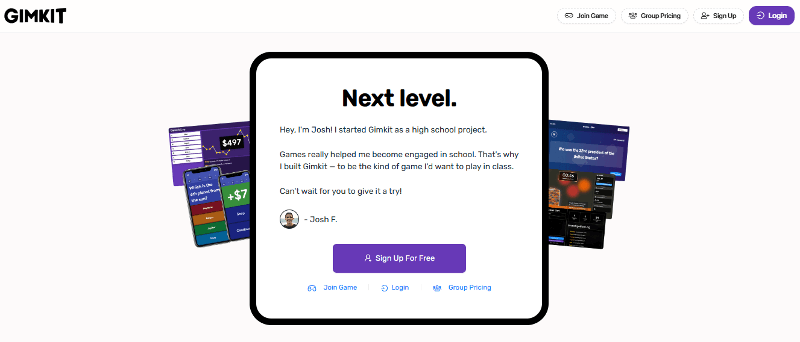
3. Gimkit
Gimkit is a classroom game platform where students answer questions to earn in-game currency (GimBucks), then spend that money on upgrades and power-ups inside different modes like Fishtopia, Snowbrawl, and The Floor Is Lava.
Pros of Gimkit
Strategy-based gameplay keeps students engaged longer.
In-game currency motivates students to keep playing and improving.
Multiple game modes, including popular 2D worlds, add variety to review sessions.
KitCollab allows students to contribute questions, increasing ownership and participation.
Cons of Gimkit
Lacks richer question formats needed for deeper learning.
Focus on upgrades and strategy can distract from learning goals.
Reporting is useful but not deep enough for instructional planning.
Younger students may find some modes complex or overwhelming.
No answer explanations or feedback to support understanding.
Pricing of Gimkit
Gimkit offers a free Basic plan with limited access. Gimkit Pro costs $14.99 per month or $59.88 per year (equivalent to $4.99/month when billed annually). Schools can also purchase Department plans ($650/year for up to 20 teachers) or a School plan ($1,000/year) that unlocks Pro features for all teachers in the building.
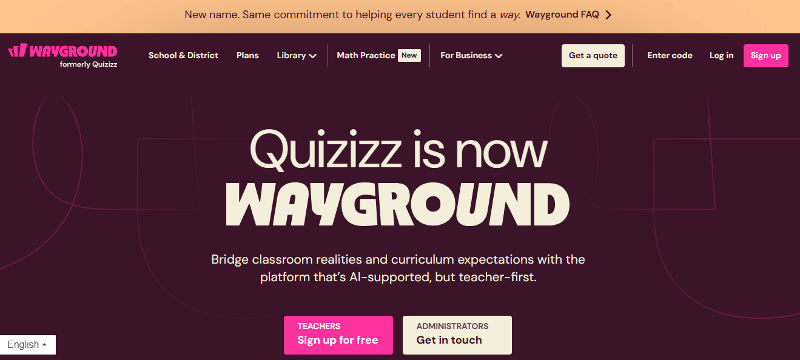
4. Wayground
Wayground is formerly called Quizizz. It combines quizzes, slides, videos, and flashcards to create interactive lessons. It supports both live and self-paced learning, offers customizable content, and includes features like gamified challenges and accessibility tools to engage every student effectively.
Pros of Wayground
Works well for live quizzes and self-paced homework.
Offers a wider range of question types.
Includes answer explanations, which help students learn from mistakes.
Accessibility features like read-aloud and accommodations support diverse learners.
Cons of Wayground
Fewer game-style experiences can reduce excitement during live classroom sessions.
Important controls and monitoring tools are locked behind school or district plans.
Live activities feel slower, which works for practice but not for fast, high-energy reviews.
Pricing of Wayground
Wayground offers a Basic plan for free, an Individual plan billed at $12 per month or $144 annually, and custom pricing options for schools and universities.
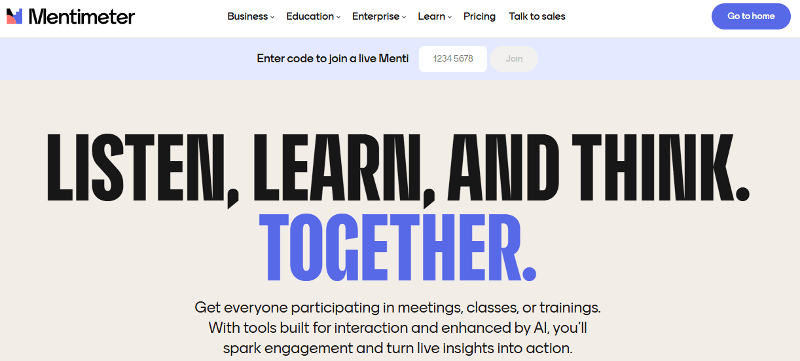
5. Mentimeter
Mentimeter is an interactive presentation tool used to turn slides into two-way sessions with polls, word clouds, ratings, and Q&A. It’s widely used in universities, staff meetings, workshops, and professional settings to get fast feedback and participation. It may not be suitable for elementary or middle school classes because it’s primarily targeted for corporate usage.
Pros of Mentimeter
Great for live polls, word clouds, and fast feedback.
Anonymous Q&A encourages shy participants to speak up.
Works well for discussions, checks for understanding, and presentations.
Easy to export results after a session.
Cons of Mentimeter
Not designed for structured K-12 instruction or curriculum alignment.
No real homework or long-term assignment workflow.
Limited question formats for skill practice compared with classroom platforms.
Reporting focuses on session summaries, not learning growth over time.
Pricing of Mentimeter
Mentimeter has a free plan with limited slides. The Basic education plan costs about €10 per month, and the Pro plan costs about €16 per month (billed yearly). Institutional “Campus” plans provide additional features and administrative tools.
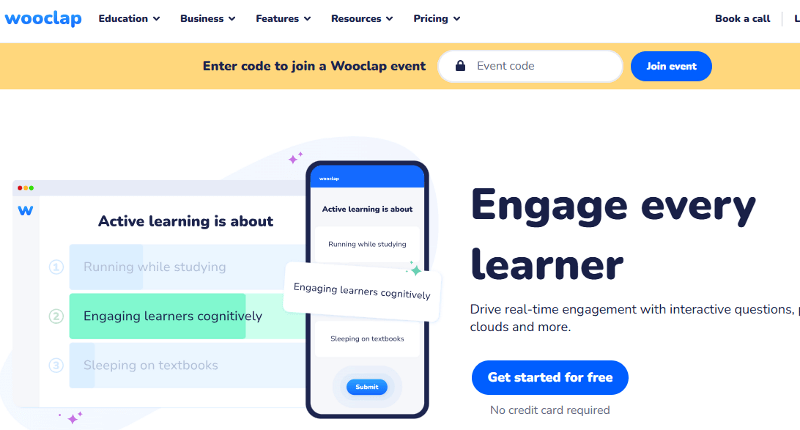
6. Wooclap
Wooclap is an interactive audience-response tool commonly used in lectures, webinars, and large group settings. It lets teachers add polls, word clouds, open questions, and rating scales to presentations to boost participation and check understanding in real time.
Pros of Wooclap
Keeps long sessions active with varied interaction styles.
Helps teachers check understanding instantly during lectures.
Image-based and open-response activities support conceptual understanding.
Modes like Competition, Compare, and Team encourage engagement in larger groups.
Cons of Wooclap
Built for live events, not for daily classroom teaching or lesson planning.
No structured homework or assignment system.
Reporting focuses on participation and response distribution rather than deep student learning insights.
Pricing of Wooclap
Wooclap offers a free plan with limits. The Education Basic plan is $7.99/month, and the Education Pro plan is $14.99/month (billed annually). Institutions can purchase custom enterprise plans with unlimited participants and integrations.
7. Quizlet
Quizlet is a well-known platform for flashcards and self-paced study. Students use it to memorize vocabulary, definitions, formulas, and key facts.
Pros of Quizlet
Easy to use and accessible.
Multiple study modes: Flashcards, Learn, Test, Match, Q-Chat.
Supports images, audio, diagrams, and multiple languages.
Tracks progress and adapts learning paths.
Cons of Quizlet
Focuses mainly on memorization and recall, not deeper reasoning
Limited collaborative gameplay compared to Kahoot-style platforms
Limited teacher tools for full-class assignments and reports
Some advanced features are locked behind Quizlet Plus
Pricing of Quizlet
Quizlet has a free version, but advanced features like personalized learning and ad-free studying come with Quizlet Plus, which costs $35.99 per year.
8. Slide with Friends
Slide with Friends is a lightweight tool for creating quick, interactive quiz slides that students can join from their phones. It’s designed for simple games, icebreakers, and informal group participation, rather than deep academic instruction.
Pros of Slide with Friends
Quick setup with a simple interface
Students join instantly via mobile QR code
Fun for warm-ups, icebreakers, and community-building
Works well in-person or virtually
Good for non-academic trivia and social play
Cons of Slide with Friends
Limited question formats compared with dedicated learning platforms
No curriculum alignment, standards, or K–12 pedagogy tools
No real homework, assignment, or mastery-tracking workflow
Reporting is basic and not focused on long-term learning
Pricing of Slide with Friends
Slide With Friends has a free plan with limited slides. Paid plans cost about $5–$10 per month, unlocking unlimited slides, custom themes, and premium features.
9. Ahaslides
AhaSlides is an interactive presentation platform that lets teachers build live quizzes, polls, surveys, Q&A sessions, and word clouds inside a slide deck. Students join via a link and respond in real time, making sessions collaborative and social.
It's widely used in education, workshops, and virtual events due to its clean design and flexibility.
Pros of AhaSlides
Mix slides, quizzes, polls, and surveys in a single deck
Smooth, modern interface
Works well in large groups and remote environments
Easy for participants to join from any device
Supports images, videos, and custom themes
Good for professional and higher-ed use
Cons of AhaSlides
Not designed for K–12 mastery or standards
Limited question formats compared to learning platforms
Minimal student tracking or analytics
No homework or assignment workflow
Free plan restricts slide count and participants
Pricing of AhaSlides
AhaSlides pricing includes a Free plan ($0) for 50 participants, an Essential plan at $7.95/month for 100 participants, a Pro (AI) plan at $15.95/month for 2,500 participants, and a custom-priced Enterprise plan for large organisations.
10. Nearpod
Nearpod is an interactive learning platform that lets teachers turn slides, videos, and PDFs into engaging lessons. Unlike Kahoot’s fast quiz focus, it supports Live Participation, Student-Paced practice, and Front-of-Class teaching, making it suitable for full lessons, homework, and real-time instruction.
Pros of Nearpod
Supports different learning speeds with live, student-paced, and front-of-class modes.
Large library of standards-aligned, ready-to-teach lessons.
Better for full lesson delivery rather than quick game sessions.
Cons of Nearpod
Less fast-paced and competitive than Kahoot.
Not ideal for quick, spontaneous quiz games.
Limited game mechanics and leaderboard excitement.
Many advanced features require paid plans.
Pricing of Nearpod
Nearpod has a free Silver plan. Paid individual plans include Gold at $159/year and Platinum at $397/year. Schools and districts use custom-priced licenses with expanded features and higher student limits.
Conclusion
Kahoot is excellent for live, fast-paced games, but it doesn’t fit every classroom need. Many teachers want more question types, deeper assessment tools, more activity modes, and better pricing. Alternatives like Tarphi, Blooket, Gimkit, Wayground, Mentimeter, Wooclap, Quizlet, Slide with Friends, AhaSlides and Nearpod offer a broader set of features to support different teaching goals.
If you want a platform that combines fun, flexibility, AI-assisted content creation, adaptive assessments, live games, and detailed analytics, Tarphi is the strongest alternative overall. It balances engagement with real academic value, making it a powerful, all-in-one solution for everyday K-12 teaching.

Turn your lessons into interactive quizzes, games, and presentations.
No credit card required.