


Wayground (formerly Quizizz) is a well-known tool for quizzes and gamified practice. It combines questions, memes, and power-ups to make review sessions feel more like games than tests. Many schools use it to make learning more fun, especially during revision or test prep.
But as classrooms shift toward deeper learning and mixed teaching styles, many teachers now want more than just quizzes and basic lessons. They’re looking for richer question types, calmer study modes, smarter AI, stronger reporting, and tools that support full teaching workflows, not just practice sets.
If you’re starting to feel Wayground is “almost there” but not quite enough, this guide is for you. Below are 10 strong Wayground alternatives, along with their pros, cons, pricing, and why each one can be a smart upgrade depending on your goals.
Explore Wayground at a Glance
Wayground is built around interactive quizzes and lessons. Teachers can add questions, slides, and media, then run them as live games or assignments. Students respond from their own devices, and points, memes, and leaderboards help keep them engaged.
Teachers like Wayground because:
It’s easy to run quizzes and homework
It supports multiple activity types (quizzes, slides, videos, passages, flashcards)
It works for both live play and self-paced practice
It includes basic accessibility tools like read-aloud and dyslexia-friendly fonts
Students like Wayground because:
It turns practice into a game with memes and power-ups
They can work at their own pace
Wayground is excellent for practice and review. But it still centers heavily on “quiz-style learning,” which can feel limiting if you want a full instruction-to-assessment workflow in one place.
Why Look for Wayground Alternatives?
Wayground is fun and useful, but many teachers look elsewhere when they need stronger everyday teaching support. Common reasons include:
AI helps generate questions, but lacks deeper academic controls like Bloom’s Taxonomy levels or Lexical reading level.
Not built for seamless instruction where you can teach, annotate, and launch quick checks naturally.
Homework and assignments work fine, but still offer limited flexible controls.
Reports are good for quick accuracy snapshots, but not for deeper instructional analytics.
Most useful features unlock only in the paid plan, making it expensive for individual teachers.
List of the Top 10 Wayground Alternatives
Here are 10 Wayground alternatives to consider:
1. Tarphi: Best Overall Wayground Alternative for K–12 Classrooms
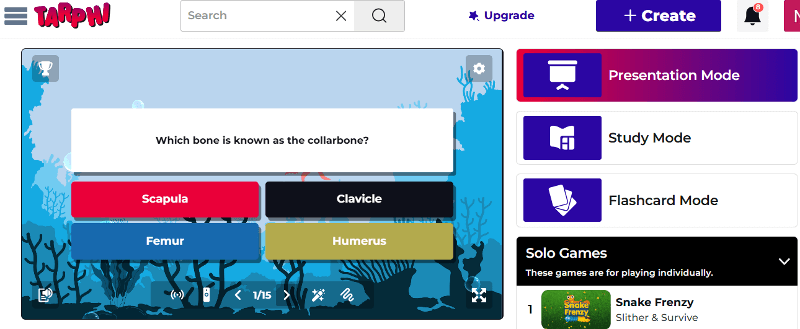
Tarphi is a K-12 teaching platform designed for teachers who want both engagement and instructional depth. While Wayground is great for quizzes and practice, Tarphi is built around a complete workflow: Create > Present > Assign > Assess
Teachers can create quizzes, presentation slides, opinion polls manually, import from Google Slides/PowerPoint/PDF, or use AI to generate content aligned to classroom needs. After creating, you can reuse these contents across 5 different ways:
Presentation Mode
Study Mode
Flashcards Mode
Solo Games
Competitive Games
Pros of Tarphi
Strong K–12 based question formats for proper assessment
Curriculum-aligned AI generation designed for instructional depth and differentiation
Unified learning modes for making teaching and learning easier
Flexible homework controls for real classroom management
Deeper analytics that support reteaching decisions
Pricing of Tarphi
Tarphi offers three flexible pricing plans: Basic, Standard, and Pro. The Basic plan is free. For individuals, Standard costs $7/month or $60/year ($5/month billed annually), and Pro costs $10/month or $96/year ($8/month billed annually). School plans are available at $55/year (Standard) and $90/year (Pro) per seat.
Why Tarphi Is a Better Alternative to Wayground
Tarphi goes beyond Wayground by combining full lessons, more varied question types, calmer study tools, solo & competitive games, and deeper analytics in one place. While Wayground is strong for quizzes and assignments, Tarphi adds curriculum-aligned AI, richer ELA and skills question formats, detailed answer explanations, flexible homework controls, and multiple modes (study, flashcards, games) built on the same content, in-depth reporting analysis. This makes Tarphi not just a quiz/practice tool, but a complete teaching platform for everyday K–12 instruction.
2. Kahoot
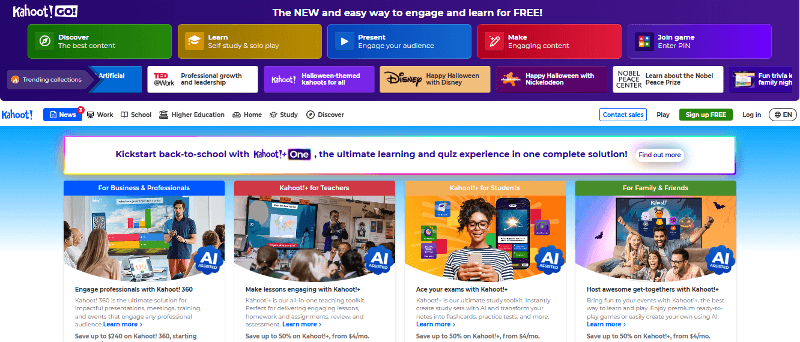
Kahoot is one of the most famous game-based learning tools worldwide. It’s best known for its fast-paced, competitive quizzes and big-screen countdowns that turn a simple review into a classroom event. It’s best when you want instant energy and a simple join-and-play format.
Pros of Kahoot
Very fast, high-energy, competitive quiz games
Huge library of public quizzes
Works well for large groups and events
Creates instant excitement through music, visuals, and leaderboards
Strong live engagement that works well for quick reviews.
Cons of Kahoot
Speed-based scoring can push guessing
Less suited for calm study and deep skill practice
Limited support for deeper, multi-step academic tasks
Reports are basic and mainly show scores and correct/incorrect answers than learning insights
Pricing of Kahoot
Kahoot uses a tiered pricing model where the free plan is very limited, and paid plans range from about $3 to $19 per month. As teachers need more players, AI tools, question types, and better reports, they must move to higher tiers, so costs increase quickly just to access basic teaching and assessment features.
3. Blooket
Blooket turns quizzes into arcade-style games. Instead of only answering questions for points, students earn coins, unlock boxes, and collect characters called “Blooks” in modes like Gold Quest, Tower Defense, and Café.
Pros of Blooket
Very fun, kid-friendly game modes with coins, power-ups, and avatars
Works for live play, solo practice, or homework-style games
Simple to use for quick review or reward sessions
Cons of Blooket
Limited question types not suitable for proper assessment
Focuses on game mechanics rather than proper lesson delivery
Simple reporting, not built for serious assessment or planning
Pricing of Blooket
Blooket has a free Starter plan. Paid plans begin with Plus at $4.99/month billed annually ($59.88/year), and Plus Flex costs $9.99/month for monthly billing. Group bundles are also available for schools.
4. Gimkit
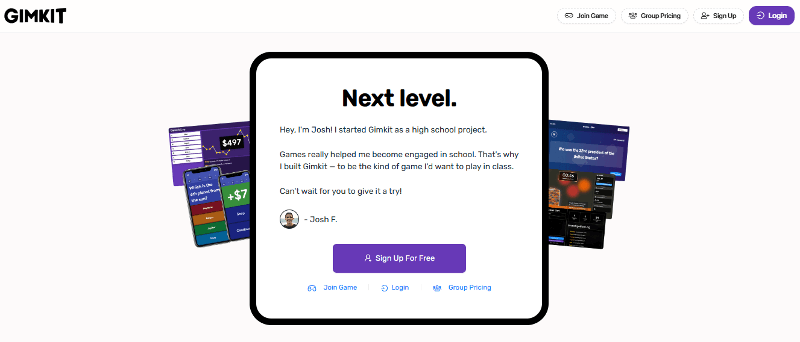
Gimkit is a strategy-based quiz game platform. Students answer questions to earn in-game currency (GimBucks), then spend that currency on upgrades and power-ups in modes like Fishtopia, Snowbrawl, and more.
Pros of Gimkit
Strategy-heavy game modes keeps students engaged longer
Students stay invested by earning, saving, and spending currency
KitCollab lets students collaborate in question creation.
Cons of Gimkit
Game focus can pull attention away from learning goals
Limited question formats not suitable for proper assessment
Some modes can be complex for younger students
Many popular modes and Assignments are locked behind Pro
Reports are good for engagement, but not deep analytics
Pricing of Gimkit
Gimkit offers a free Basic plan with limited access. Gimkit Pro costs $14.99 per month or $59.88 per year (equivalent to $4.99/month when billed annually). Schools can also purchase Department plans ($650/year for up to 20 teachers) or a School plan ($1,000/year) that unlocks Pro features for all teachers in the building.
5. Mentimeter
Mentimeter is an interactive presentation tool used in universities, training sessions, and staff meetings. It focuses on polls, word clouds, scales, multiple-choice questions, and Q&A rather than game-style play.
Pros of Mentimeter
Excellent for live feedback and engagement
Anonymous responses help shy participants
Easy to use in workshops and presentations
Cons of Mentimeter
Not built for K–12 curriculum practice workflows
Not used for proper homework or practice
Question types are better for discussion than deep skill practice
Reports focus on session summaries, not student growth
Pricing of Mentimeter
Mentimeter has a free plan with limited slides. The Basic education plan costs about €10 per month, and the Pro plan costs about €16 per month (billed yearly). Institutional “Campus” plans provide additional features and administrative tools.
6. Wooclap
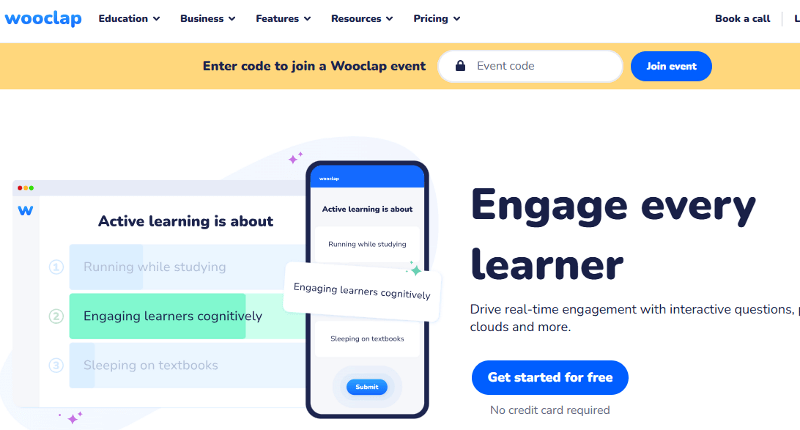
Wooclap is an audience-response platform that is strong for lectures and large-group interaction with polls, open answers, image labeling, etc. It’s more “audience response” than “full classroom workflow.”
Pros of Wooclap
Wide variety of interaction types keep sessions engaging
Image-based and open-response activities support conceptual understanding.
Works well for large sessions and live checks
Cons of Wooclap
Built mainly for live events, not everyday K–12 classroom planning
No full assignment system with deadlines and multiple attempts
Reports are focused on participation and response, not long-term mastery
Pricing of Wooclap
Wooclap offers a free plan with limits. The Education Basic plan is $7.99/month, and the Education Pro plan is $14.99/month (billed annually). Institutions can purchase custom enterprise plans with unlimited participants and integrations.
7. Quizlet
Quizlet is a leading platform for flashcards and self-paced study. Students use it to memorize vocabulary, definitions, formulas, and key facts.
Pros of Quizlet
Excellent for vocabulary and memorization
Students can study independently anytime
Adaptive learning paths that respond to student performance
Cons of Quizlet
Focused mostly on memorization, not higher-order thinking
Limited whole-class gameplay compared to Wayground-style platforms
Limited assignment workflow
Less focused on teacher-led instruction
Pricing of Quizlet
Quizlet has a free plan for core study features. Quizlet Plus is a paid upgrade that unlocks advanced tools like offline access, more customization, and ad-free studying.
8. Slides With Friends
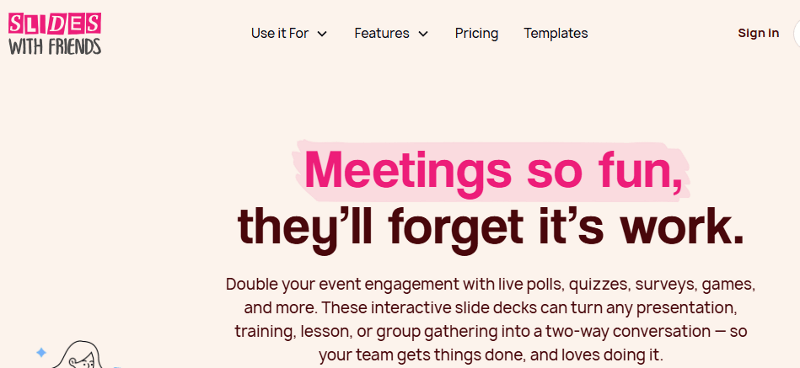
Slides With Friends is a lightweight tool that helps you run interactive slide decks with polls, quizzes, word clouds, and icebreakers. It’s best for quick engagement, not structured learning systems.
Pros of Slides With Friends
Very quick setup using a slide-like interface
Great for engagement like polls, word clouds, trivia, photo sharing, icebreakers
Works well for in-person, online sessions
Cons of Slides With Friends
Limited academic depth and assessment features
Not built for full homework workflows
Limited reporting for long-term mastery tracking
Pricing of Slides With Friends
SlidesWith Friends offers a robust free plan that supports smaller groups with full access to the core features but a cap on active players per session. Paid plans unlock higher participant limits, more Slidescapacity, and extra customization options at a relatively low monthly cost.
9. AhaSlides
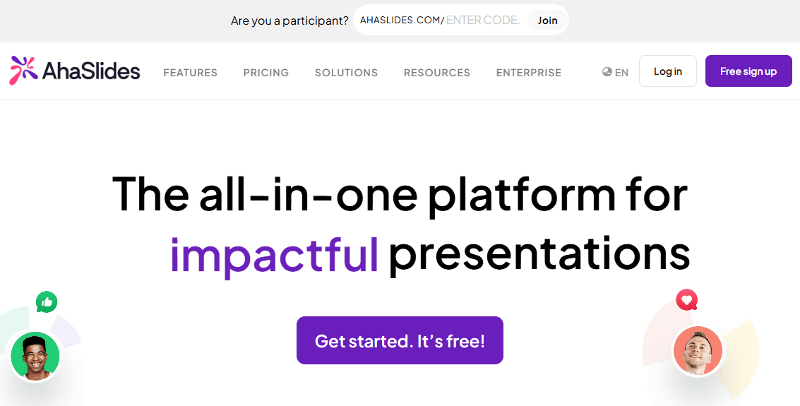
AhaSlides is an interactive presentation platform for mixing slides with polls, quizzes, surveys, Q&A, and word clouds in one deck.
Pros of AhaSlides
Combines slides, quizzes, polls, and surveys in a single flow
Clean, modern interface that works well on any device
Great for large groups, live streams, and remote classes
Cons of AhaSlides
Not designed specifically for K–12 standards or mastery
Limited assignment and long-term analytics tools
More presentation-focused than instruction-focused
Pricing of AhaSlides
AhaSlides has a free plan with limits on slides and participants. Paid plans start at a teacher- and presenter-friendly monthly rate, scaled based on audience size and feature needs.
10. Nearpod
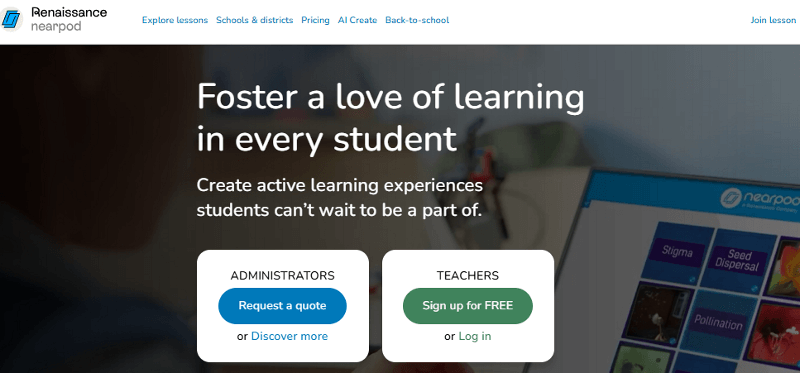
Nearpod is a lesson-delivery platform that turns slides, videos, and PDFs into interactive teaching sessions. Compared with Wayground, Nearpod is often used for full lessons with embedded activities and checks for understanding.
Pros of Nearpod
Supports Live Participation, Student-Paced, and Front-of-Class teaching
Large library of standards-aligned, ready-to-teach lessons
Strong for lesson flow, not just quizzes
Cons of Nearpod
Less game-like than Wayground
Advanced features and larger limits typically require paid plans
More lesson-focused than pure review-game platforms
Pricing of Nearpod
Nearpod has a free Silver plan. Paid individual plans include Gold at $159/year and Platinum at $397/year. Schools and districts use custom-priced licenses with expanded features and higher student limits.
Conclusion
Wayground is a strong choice for quizzes and homework-style practice, but it won’t fit every teaching style, especially if you want deeper skill formats, calmer study experiences, stronger assignment controls, and reporting that clearly supports reteaching.
Each alternative here serves a different goal: Kahoot for fast energy, Blooket for playful games, Gimkit for strategy, Mentimeter/Wooclap/AhaSlides for live interaction, Quizlet for self-study, Slides With Friends for quick participation, and Nearpod for a good lesson delivery.
If you want the most complete everyday classroom replacement that combines engagement with instructional depth, Tarphi is the strongest all-around option because it supports the full workflow: teaching, practice, homework, and assessment in one continuous system.

Turn your lessons into interactive quizzes, games, and presentations.
No credit card required.