


Wooclap is a popular tool for making live lectures more interactive. It’s commonly used in universities, training sessions, and large classes where the goal is to keep people involved during a live presentation. With polls, word clouds, open questions, and live voting, Wooclap helps turn a one-way lecture into a two-way session.
But Wooclap isn’t built to run a full classroom workflow. It works best for live interactions, not for everyday classroom instruction. It doesn’t handle activities like homework, structured lessons, skill practice, and in-depth analytics, which many K–12 teachers rely on every week.
So if you like Wooclap’s live interaction but want something that supports real teaching and learning, not just participation, then explore the following top 10 Wooclap alternatives with their pros, cons, pricing, and why each platform can be a smarter fit depending on your needs.
Explore Wooclap at a Glance
Wooclap is mainly designed for live interaction during lectures, workshops, and training sessions. Teachers or presenters ask questions in real time, students respond on their devices, and results appear instantly on screen. This makes Wooclap especially popular in universities and large group settings.
Why teachers and presenters like Wooclap
Keeps large lectures active and participatory
Wide variety of live interaction formats
Anonymous responses encourage quieter students
Works smoothly with large groups
Why students like Wooclap
Easy to join with a link or code
No pressure to speak out loud
Quick, simple interactions during class
Why Look for Wooclap Alternatives?
Wooclap is great for live interaction, but many teachers look for alternatives when they need more than event-style engagement. Common reasons include:
It’s built mainly for lectures and events, not daily classroom teaching.
There’s no real homework or assignment system with deadlines and retries.
Question types focus on interaction, not deep K–12 skill practice.
AI creates fast questions, but they aren’t curriculum or grade-aligned.
Reports show participation, not long-term learning or skill gaps.
Pricing works better for presenters and institutions than individual K–12 teachers.
List of Top 10 Wooclap Alternatives
1. Tarphi
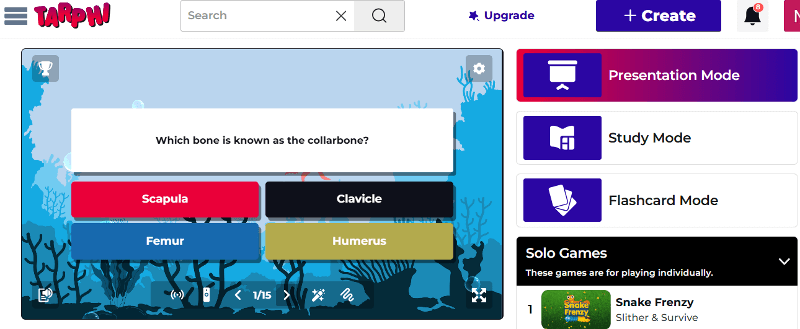
Tarphi is actually designed for K-12 classrooms, not just live lectures. While Wooclap focuses on in-the-moment and instant interaction, Tarphi supports the full teaching workflow: Create > Present > Assign > Assess.
With Tarphi, teachers can build quizzes, slides, and opinion polls manually, import from Google Slides, PowerPoint, or PDFs, or use curriculum-aligned AI. Once the content is created, they can reuse these across 5 different ways:
Presentation mode
Study mode
Flashcards mode
Solo review games
Competitive review games
Pros of Tarphi
Built for complete teaching solutions, not just live lectures or events like Wooclap.
Curriculum-aligned AI saves hours by creating grade-appropriate quizzes and lessons, not generic questions
Works well for both live classes and self-paced practice, unlike Wooclap’s only focuses on events
Allows quiet or shy students to participate without pressure
Keeps engagement structured and teacher-controlled, not chaotic or event-driven
Reports focus on detailed metrics such as participation, point, leaderboard, time, etc.
Pricing of Tarphi
Tarphi offers three flexible pricing plans: Basic, Standard, and Pro. The Basic plan is free. For individuals, Standard costs $7/month or $60/year ($5/month billed annually), and Pro costs $10/month or $96/year ($8/month billed annually). School plans are available at $55/year (Standard) and $90/year (Pro) per seat.
Why Tarphi Is a Better Alternative to Wooclap
Wooclap is great for live lectures and quick audience interaction, but Tarphi is built for everyday classroom teaching. While Wooclap focuses on participation during events, Tarphi supports full lessons, homework, practice, and assessment in one place. With curriculum-aligned AI, richer K–12 question types, answer explanations, and learning-focused reports, Tarphi helps teachers move beyond interaction to real understanding and progress.
2. Kahoot
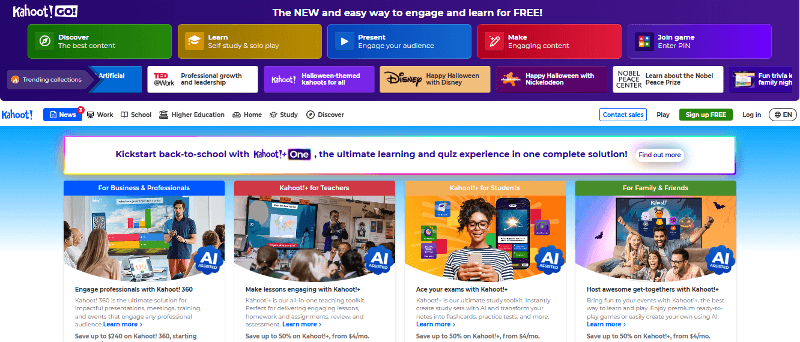
Kahoot is a popular classroom tool known for its fast, competitive quizzes. It turns questions into lively games with timers, music, and leaderboards. It works best for creating live excitement in classrooms or virtual sessions.
Pros of Kahoot!
More game-like and energetic, which helps boost motivation
Easier to create and launch quick quizzes for large groups
Works well for fast reviews and icebreaker-style activities
Familiar to most students, so there’s almost no learning curve
Cons of Kahoot!
Focuses on speed and competition, not thoughtful responses or discussion
Limited support for open-ended thinking compared to Wooclap’s discussion tools
Can increase pressure for slower or anxious students
Pricing of Kahoot!
Kahoot uses a tiered pricing model where the free plan is very limited, and paid plans range from about $3 to $19 per month. As teachers need more players, AI tools, question types, and better reports, they must move to higher tiers, so costs increase quickly just to access basic teaching and assessment features.
3. Wayground
Wayground is a classroom learning platform that supports quizzes, lessons, videos, passages, and flashcards. It is quite popular in daily classroom routines because it can be used for live instruction or self-paced homework.
Pros of Wayground
Works for both live sessions and homework, not just live lectures
Better suited for daily classroom use
AI question generation by subject, grade, standards, and DOK level
Cons of Wayground
Live sessions feel less “event-like” than Wooclap
Not ideal for large lecture halls or conference-style settings
Engagement is calmer and more practice-focused than interactive discussion
Pricing of Wayground
Wayground offers a Basic plan for free, an Individual plan billed at $12 per month or $144 annually, and custom pricing options for schools and universities.
4. Mentimeter
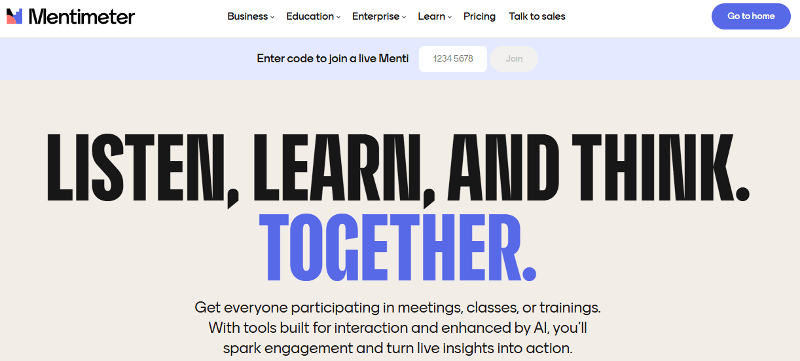
Mentimeter is an interactive presentation tool used to add polls, word clouds, quizzes, and Q&A to slide-based sessions. It’s commonly used in universities, meetings, and workshops to encourage participation during presentations.
Pros of Mentimeter
Cleaner, more polished visuals for presentations
Strong for anonymous Q&A and live polling
Easy to use in corporate and higher-ed settings
Better suited for discussion-heavy sessions than quizzes
Cons of Mentimeter
Still presentation-first, not a teaching platform
No structured homework, assignments, or practice
Reports focus on sessions, not learning progress
Pricing of Mentimeter
Mentimeter has a free plan with limited slides. The Basic education plan costs about €10 per month, and the Pro plan costs about €16 per month (billed yearly). Institutional “Campus” plans provide additional features and administrative tools.
5. Slido
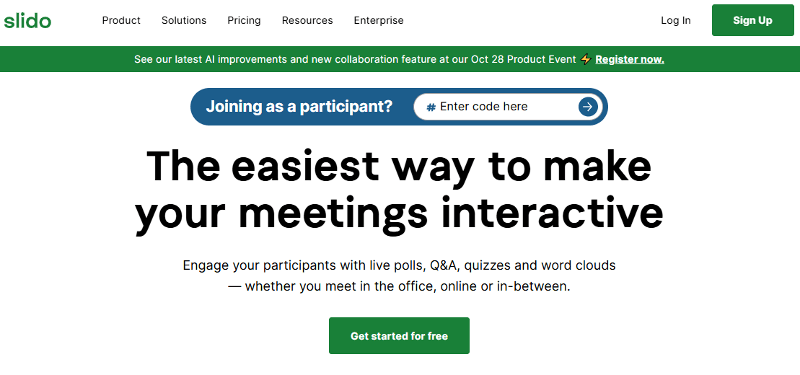
Slido is an audience engagement platform built mainly for live Q&A and polling. It’s often used in conferences, webinars, and large lectures where participants can ask questions and vote on them.
Pros of Slido
Excellent for live Q&A, especially with upvoting
Integrates smoothly with PowerPoint, Teams, and Google Slides
Works very well for large events and webinars
Simple and reliable for audience participation
Cons of Slido
Even more event-focused than Wooclap, not actually classroom-focused
Very limited for teaching or learning assessment
Analytics focus on participation and engagement, not understanding
Pricing of Slido
Slido has a free plan for up to 100 participants with basic Q&A and 3 polls per session. Paid annual plans start at $12.50/month (Engage) for up to 200 participants, $50/month (Professional) for 1,000 participants, and $150/month (Enterprise) for 5,000 participants, all billed annually. One-time event plans are also available, starting at $80 per event, with discounted education plans for schools and universities.
6. Poll Everywhere
Poll Everywhere is an audience response system that lets presenters embed live polls and questions directly into slides. Participants can respond using a web browser or SMS, making it useful in settings with limited devices. It’s mainly used in formal lectures or higher education.

Pros of Poll Everywhere
Strong for quick checks for understanding during lectures
Supports SMS responses, useful in low-bandwidth environments
Integrates directly into slide tools
Cons of Poll Everywhere
Feels less engaging for young learners
Limited variety in interaction types
Not designed for student practice or learning progression
Reports don’t support long-term instructional decisions
Pricing of Poll Everywhere
Poll Everywhere has a free plan for up to 40 participants. Paid education plans start at $9/month ($108/year) for up to 700 students, increase to $16/month and $27/month for larger classes and reporting features, with custom-priced campus plans available. Business plans start at $10/month and scale higher based on audience size and team needs.
7. AhaSlides
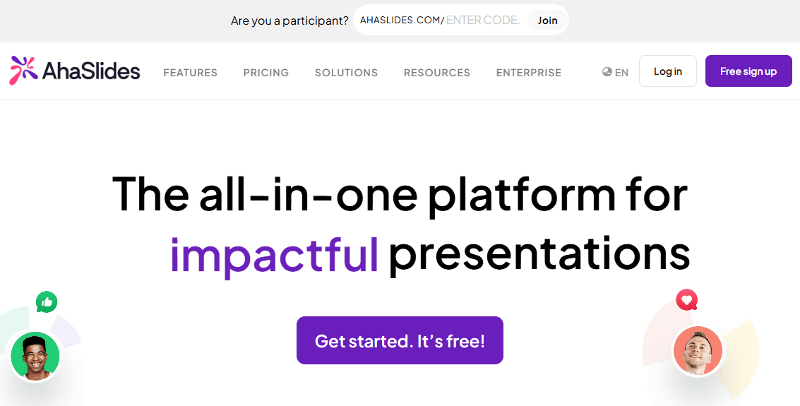
AhaSlides is an interactive presentation platform that allows presenters to create slide decks with built-in polls, quizzes, surveys, and Q&A. It works well for live classes, workshops, and virtual sessions where interaction is needed with slides.
Pros of AhaSlides
Simple and friendly for live sessions
Often more affordable for similar presentation features
Works well for workshops and hybrid teaching
Cons of AhaSlides
Not built for actual classroom instruction or skill practice
Limited analytics compared to teaching platforms
Better for presentations than instructional learning
Pricing of AhaSlides
AhaSlides pricing includes a Free plan ($0) for 50 participants, an Essential plan at $7.95/month for 100 participants, a Pro (AI) plan at $15.95/month for 2,500 participants, and a custom-priced Enterprise plan for large organisations.
8. Vevox
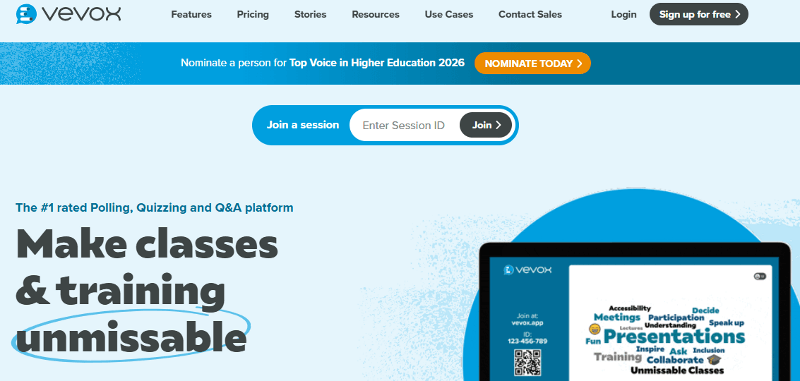
Vevox is a live polling and Q&A platform designed for universities and corporate training. It supports anonymous participation, moderation tools, and large audiences. It’s generally used in lecture halls and professional learning environments.
Pros of Vevox
Provides strong security and moderation options for large lectures
Designed specifically for higher education
Good for anonymous participation and polling
Secure and reliable for formal environments
Cons of Vevox
Not K-12 classroom-focused
Not suitable for younger students
Learning analytics don’t prioritize on mastery
Pricing of Vevox
Vevox offers a Free education plan at $0. Paid educator plans are billed annually: Starter is $7.75/month ($93/year), and Pro is about $12.95/month ($143.52/year). For departments or institutions, Institution pricing is custom (typically based on active users).
9. Slides With Friends
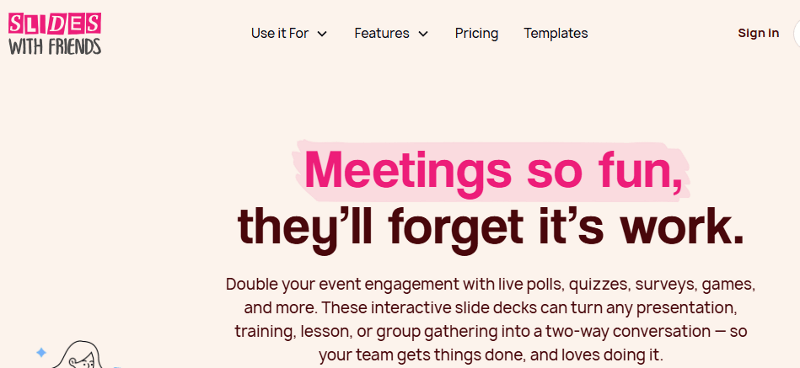
Slides With Friends is a lightweight interactive slide tool designed for quick engagement. It supports polls, trivia, word clouds, and voting activities that participants can join instantly. It’s often used for icebreakers, warm-ups, and informal group interaction.
Pros of Slides With Friends
Extremely fast to set up for live interaction
Great for icebreakers and informal engagement
Encourages participation without pressure
Creates fun for short sessions
Cons of Slides With Friends
Not designed for structured assessment
Analytics and reports are mainly session-focused
Pricing of Slides With Friends
Slide With Friends has a free plan that includes all core features but supports only about 10–12 players per session. Paid plans are affordable and unlock higher player limits, more slides, custom branding, and additional presentation features. Pricing usually falls within a low, single-digit monthly cost.
10. Nearpod
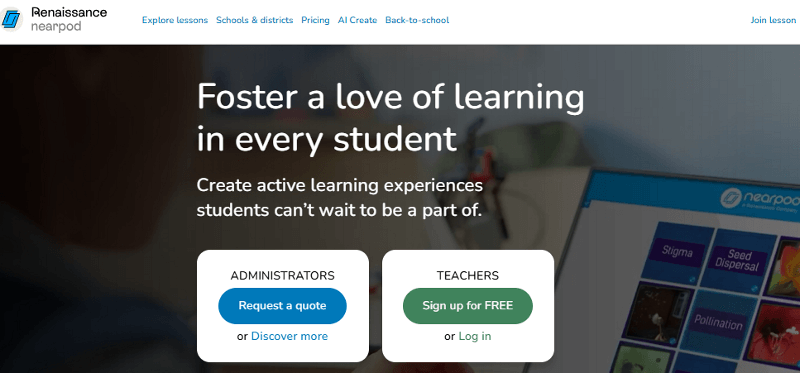
Nearpod is an interactive lesson platform that lets teachers deliver slides, videos, quizzes, and activities in a structured lesson flow. It supports live instruction, student-paced learning, and front-of-class teaching.
Pros of Nearpod
Better support for asynchronous learning and homework
Works for different learning speeds with live, student-paced, and front-of-class modes.
Large library of ready-made, standards-aligned lessons
Cons of Nearpod
Less flexible for spontaneous live interaction
Engagement provides more instructional vibes
Advanced features are locked behind expensive plans
Pricing of Nearpod
Nearpod has a free Silver plan. Paid individual plans include Gold at $159/year and Platinum at $397/year. Schools and districts use custom-priced licenses with expanded features and higher student limits.
Conclusion
To sum up, Wooclap works very well for making live lectures and large-group sessions more interactive, but it doesn’t cover everything teachers need for ongoing instruction, especially in K–12 classrooms. Each of the alternatives above fills a different gap depending on how you teach.
Kahoot adds fast-paced, competitive energy for quick reviews, while Wayground supports daily classroom work with quizzes and assignments. Mentimeter, Slido, Poll Everywhere, AhaSlides, and Vevox are strong choices for lectures, workshops, and professional training where discussion and participation matter more than skill practice. Slides With Friends offers lightweight interaction for icebreakers and short activities, and Nearpod focuses on structured lesson delivery and asynchronous learning.
So among all, if you want a platform that maximizes engagement, ensuring proper learning effectiveness, then Tarphi is the best. Because it combines engaging activities with curriculum-aligned content, multiple learning modes, structured homework, and clear learning analytics.

Turn your lessons into interactive quizzes, games, and presentations.
No credit card required.